Wednesday, May 26, 2010


Using Flash Outdoors
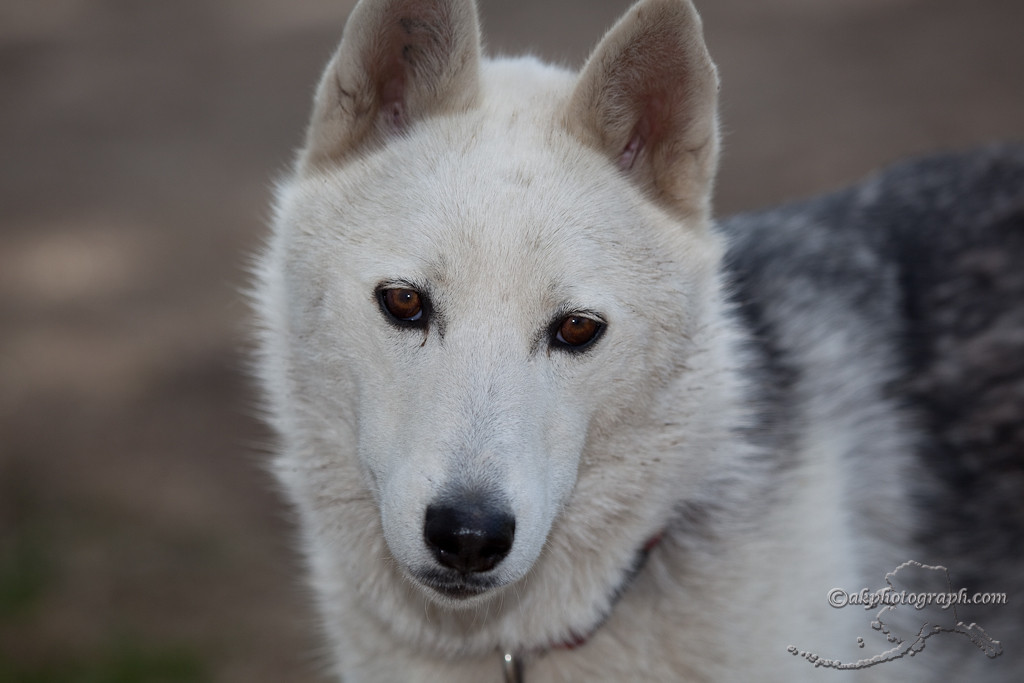
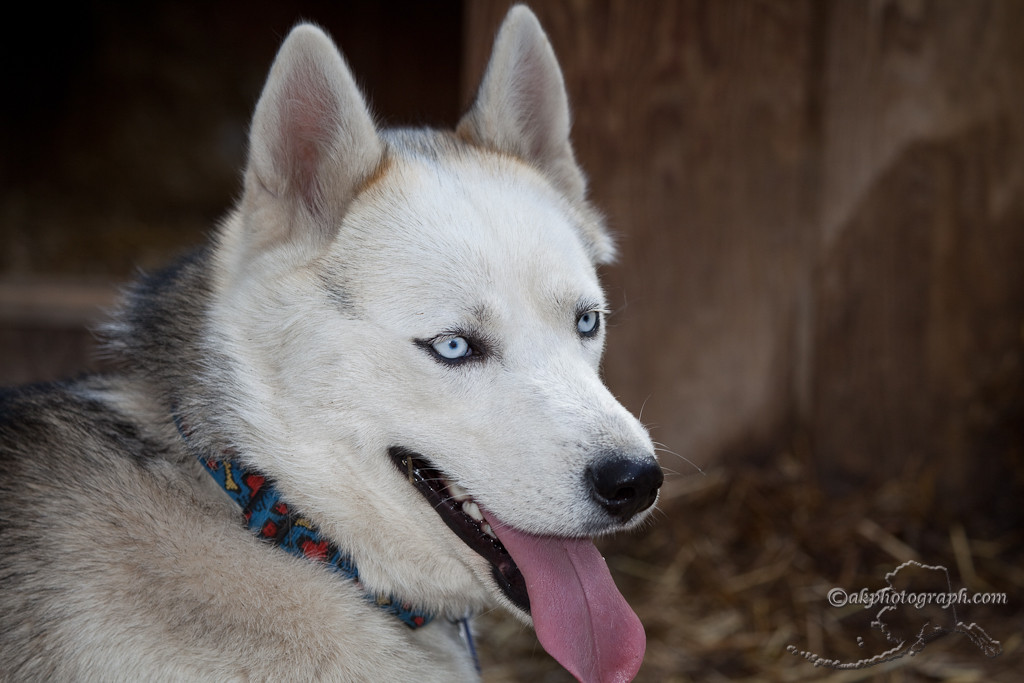
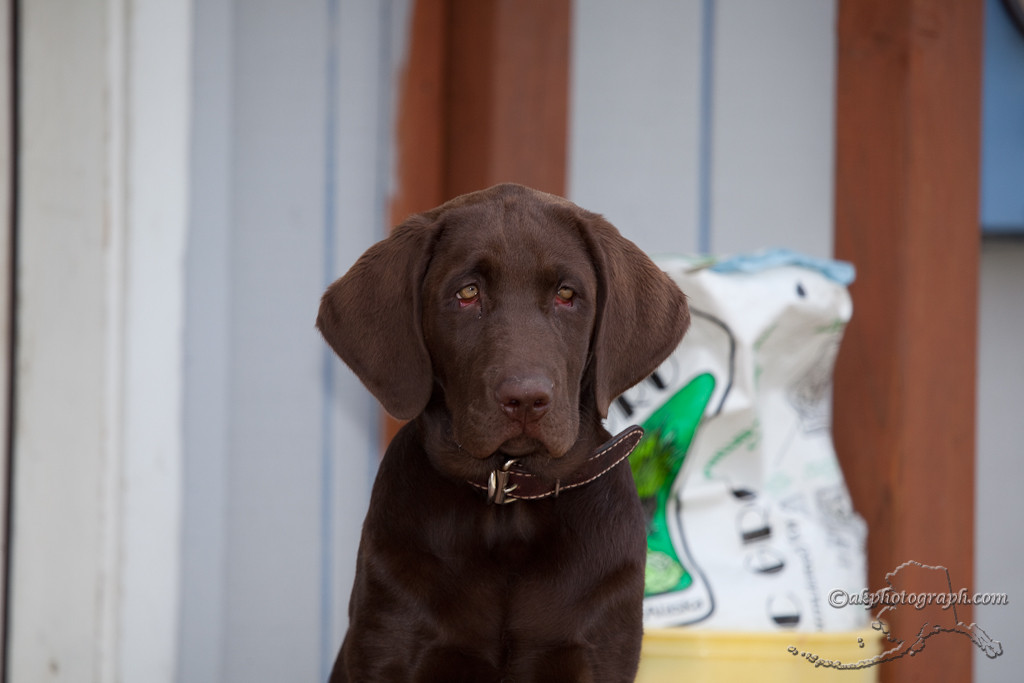
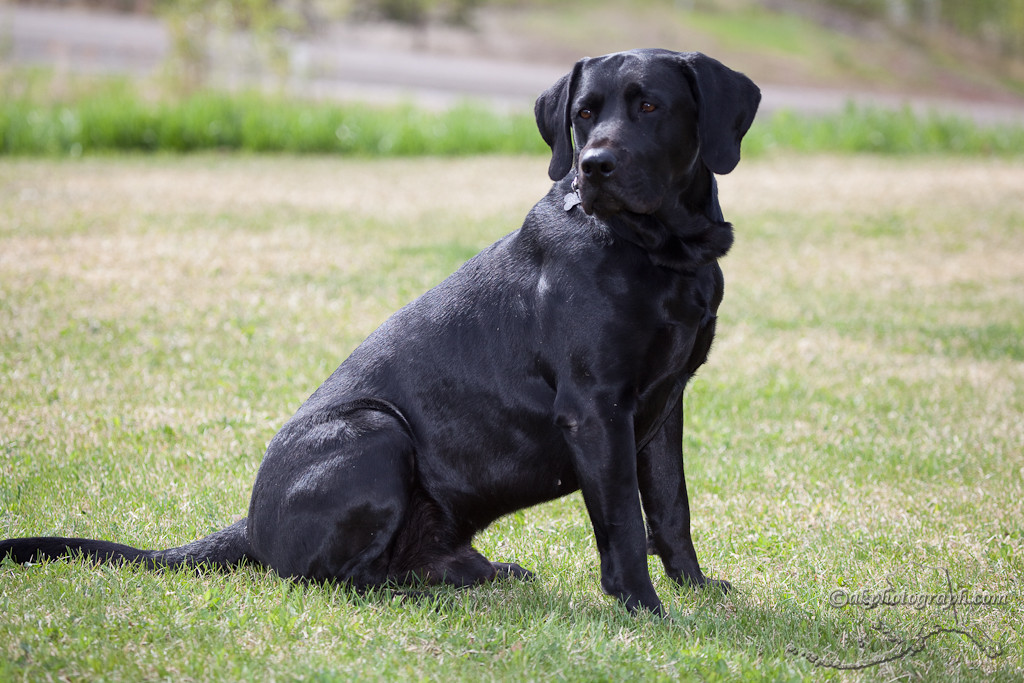
Notice how evenly their faces are lit and the catch light in their eyes!
Click on any photo for larger view!

Friday, May 21, 2010

Wednesday, May 5, 2010
Photoshop CS5 HDR
The first photo is tonemapped in Photomatix using one of my presets. The second photo is done in Photoshop CS5 and its new HDR tool. Both were cleaned up with content aware (hair on sensor) and I used Nik's Color Efex Pro as well.
I think Adobe is finally getting serious about HDR and will give Photomatix a run for its money. I like both photos, but as you can see the Photomatix one is much more saturated and the cloud details are better.
This is my first attempt at Photoshop CS5 HDR tool. More to come I am sure.

Saturday, April 24, 2010


Wednesday, December 16, 2009
Canon 5D High ISO


Saturday, August 22, 2009
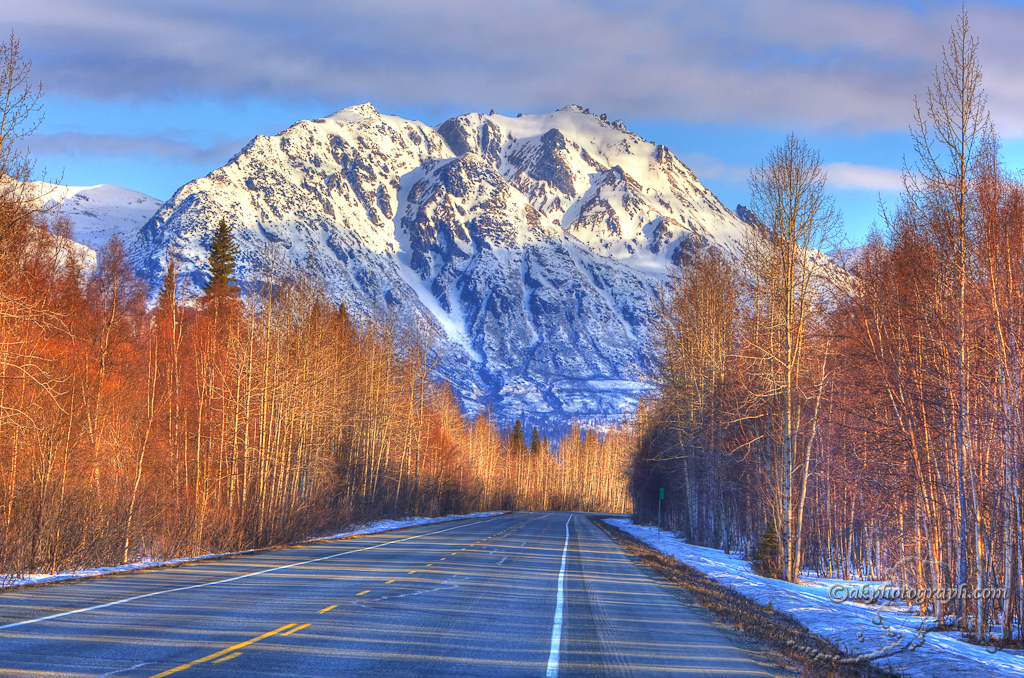
HDR Photo of the Day Denali ..again
Another Denali photo. Early morning drive up to Denali to capture this one. See how I created this on my tutorial.

Thursday, August 20, 2009
HDR has become a favorite way for me to capture landscapes. I used to only capture 3 images when my histogram showed the shadows or highlights going off one end of the graph. The sun was just rising in Fairbanks when I arrived at the Riverboat Discovery. Snapping the fist image gave me this histogram. As you can see by both the histogram and the first photo, the shadows are too dark.

I set my 5D mark II up to bracket 0,-2,+2 EV. You can think of Exposure Values as stops. Setting up exposure bracketing in the 5D works like this.
- Exposure Bracketing


I have had luck handholding my camera for 3 fast exposures, but I use my tripod whenever possible. I even use the 2 second timer to activate the shutter. In bracketing mode, it takes all 3 exposures without you touching the camera.

I put all 3 exposures into Photomatix 3.2. It comes with a plugin for Lightroom, so I just export directly to Photomatix using these settings. I will check the reduce ghosting when there is wind or something moved in the frame. Experiment with these settings.

These are the settings I use for my realistic output. As you move down the scale on the light smoothing section, the more surreal you image will become.

This the same image with only the light smoothing changed. I am sure you will find a setting that fits your style.
- HDR Ouput


 Posts


